How to Instantly Generate API Keys on TradePort

Want to build something great with NFT data? TradePort now makes it faster and easier than ever to generate API keys and manage your developer dashboard. Whether you're integrating real-time NFT data across chains or building the next big dApp, here is a video tutorial and a step-by-step guide to get started.
Video Tutorial
Step-by-Step Guide
Step 1: Navigate to API Keys
From the top navigation, hover over Build and select API Keys from the dropdown menu (right next to Developer Tools, Docs, and API Explorer).

Step 2: Create an Account
On the API Key Dashboard, click Create Account. Enter your email address, complete the quick verification, set a secure password, and you're in.

Step 3: Generate Your API Key
You'll land on the "Get Your API Key" screen. Review the benefits:
- Generous monthly request limits
- Real-time data across supported chains
- GraphQL-ready integration
Click the big Generate API Key button.

Step 4: Copy and Save Your Headers (Important!)
A one-time reveal screen appears with your Connection Details:
- ENDPOINT
- X-API-KEY (this is your secret—copy it now!)
- X-API-USER
Click Copy Headers and paste them somewhere safe immediately. You won't see the full key again.

Step 5: Head to Your Dashboard
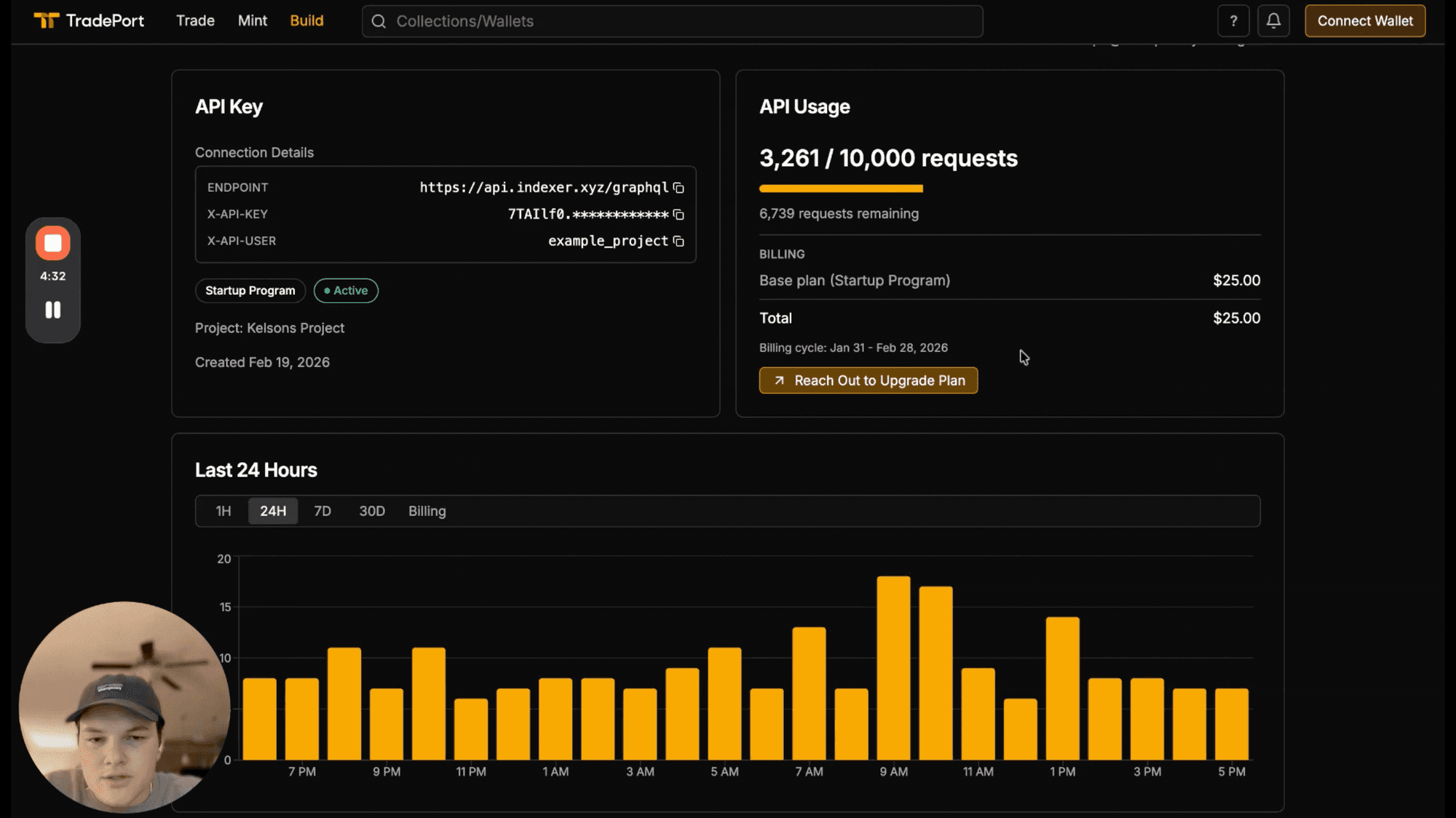
Click Continue to Dashboard (or the button in the nav). Here you can:
- View your active API key and endpoint
- Monitor usage analytics
- Manage projects and billing
That's it!

Ready to Build?
We built this portal to improve the lives of developers in our community. Head over to TradePort and start building with full NFT data access today.
Questions? We're here to help. Swing by our Discord. Happy building! 🚀