FREE Community Tools through TradePort

At TradePort, we’re committed to building tools that empower NFT communities. Our Indexer Discord Bots are designed to make it easier than ever to engage holders, streamline operations, and stay ahead of market activity, all in real time.
Whether you're managing a thriving collection, running a SubDAO, or setting up your own personal alpha channels, these bots provide powerful functionality with zero cost.
So, what tools are available?
🛡️ Verification Bots
Assign roles based on real-time ownership, even for NFTs that are staked. You can reward holders with custom roles based on traits, number of NFTs held, or other parameters. It’s perfect for managing gated access, SubDAO roles, or special perks.
Easily create, edit, or remove roles based on specific attributes or holdings. Real-time updates ensure that when a user buys or sells an NFT, their roles update automatically. No manual updates necessary!

🛎️ Marketplace Alerts
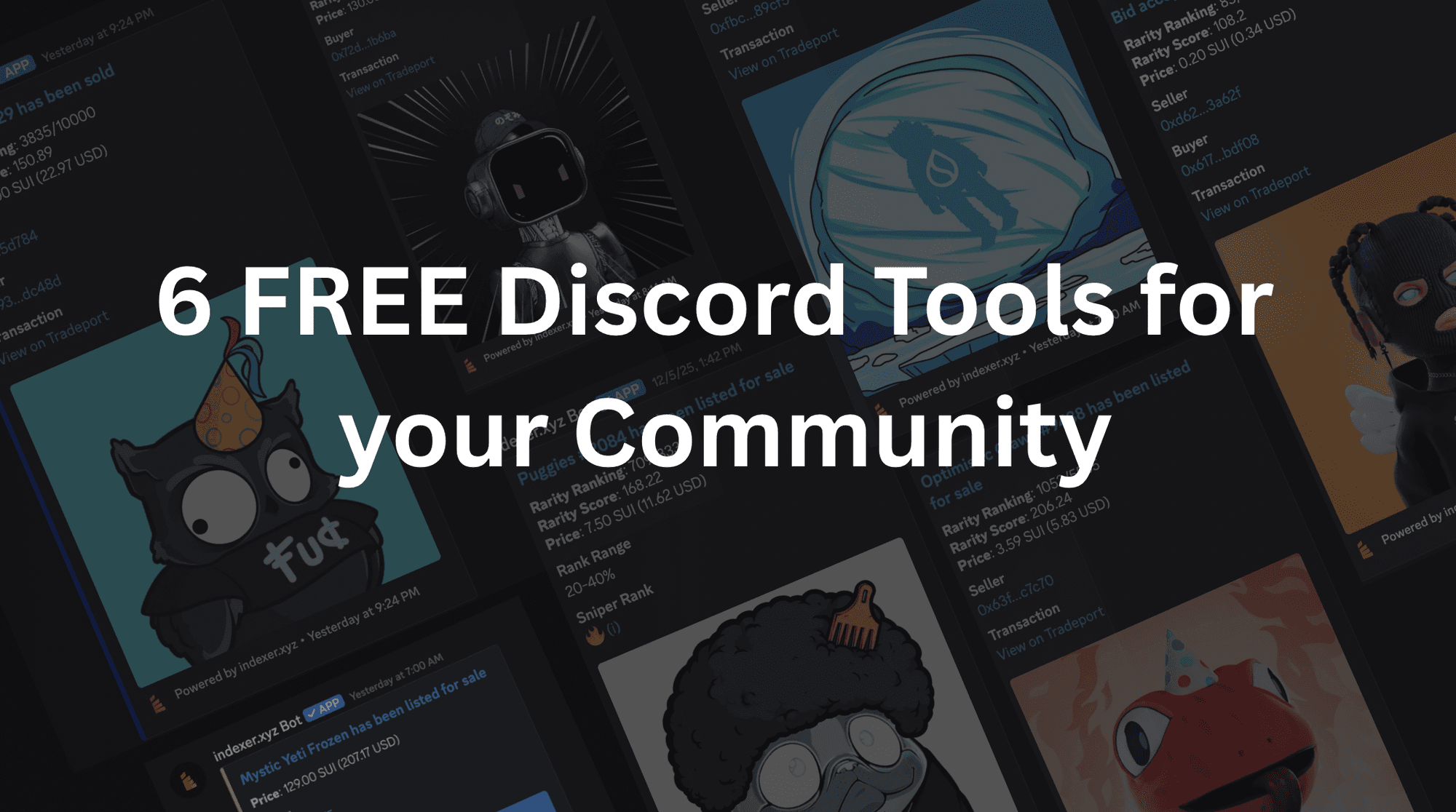
Keep your community informed and energized with instant alerts tied to live marketplace activity across all supported chains and platforms:
Sales Alerts
Celebrate big moments by automatically sharing major sales with your server. Perfect for rallying excitement and showcasing demand.
Listing Alerts
Make it easy for your community to shop the floor. New listings are pushed to Discord in real time, encouraging active trading.
Bid Alerts
Stay on top of market demand. Get pinged when single-item or collection-wide bids are placed, giving holders and traders a clear view of the order book.
Sniper Alerts
Designed for serious traders and collectors, this feature notifies your server the moment rare or undervalued NFTs are listed.

🔔 Indexer Notification System
Our Indexer Notification System is a community favorite.
It allows your holders to receive important private Discord (or Telegram) alerts when:
- An NFT in their wallet is sold
- A bid is placed on their NFT
- A bid they placed is accepted
With these alerts delivered via DM, your holders can easily stay informed without having to check the marketplace.
You can enroll today via Discord or Telegram.

Why Use TradePort's Discord Tools?
- 100% FREE
- Supports all chains found on TradePort (Sui, Aptos, Supra, IOTA, Movement)
- Backed by TradePort’s reliable indexing infrastructure
If you're looking to build a more active, informed, and self-sustaining community, TradePort’s Indexer Bots are the toolkit you’ve been waiting for.
Step 1: Add the Indexer Bot to Your Discord
To get started, add the Indexer Bot to your server using the link below:
Once added, the bot will automatically create a private indexer-bot-config channel to guide you through setup. Be sure to keep this channel visible to admins only — you can return here anytime to manage or check the status of your Indexer bot.
🔒 Important: To confirm you’ve added the correct bot, check that the name is indexer.xyz Bot#0153.
Step 2: Add the Verify Role Slash Command
In any admin-approved channel, run the /add-verify-role slash command.
Select:
- The blockchain of the collection you want to assign roles for
- The roles you want to assign based on token holdings
If you haven’t already created the roles, go to:
Server Settings → Roles → Create Roles
⚠️ Note: For proper functionality, make sure the Indexer.xyz Bot role is placed above the roles it needs to manage (except for admin roles). Also, ensure the bot has permissions to manage roles, add embed media files, send messages, and post links.
Step 3: Configure the Verification Channel
Run the /configure-verification-channel command and select the appropriate blockchain for that channel. Once configured, complete the verification process yourself to ensure everything is working correctly before opening it up to your community.
This will be the channel where your holders go to verify their NFTs and unlock gated access.
Step 4: Market Alert Bots
Run the /add-market-bot command and select the appropriate blockchain for the collection you wish to receive alerts for. Next, input the name of the collection and the action you would like to see in that channel (sales, listings, sniper, bids).
After you hit enter, you should start receiving alerts for the specified collection and action.
Video Tutorial
Getting started is easy. If you prefer watching over reading, we’ve put together a quick video guide for your convenience.
From seamless role verification to instant market alerts and wallet activity notifications, these tools are designed to make your community smarter, more engaged, and easier to manage.
Got questions or need support? Join the TradePort Discord and our team will be happy to help!